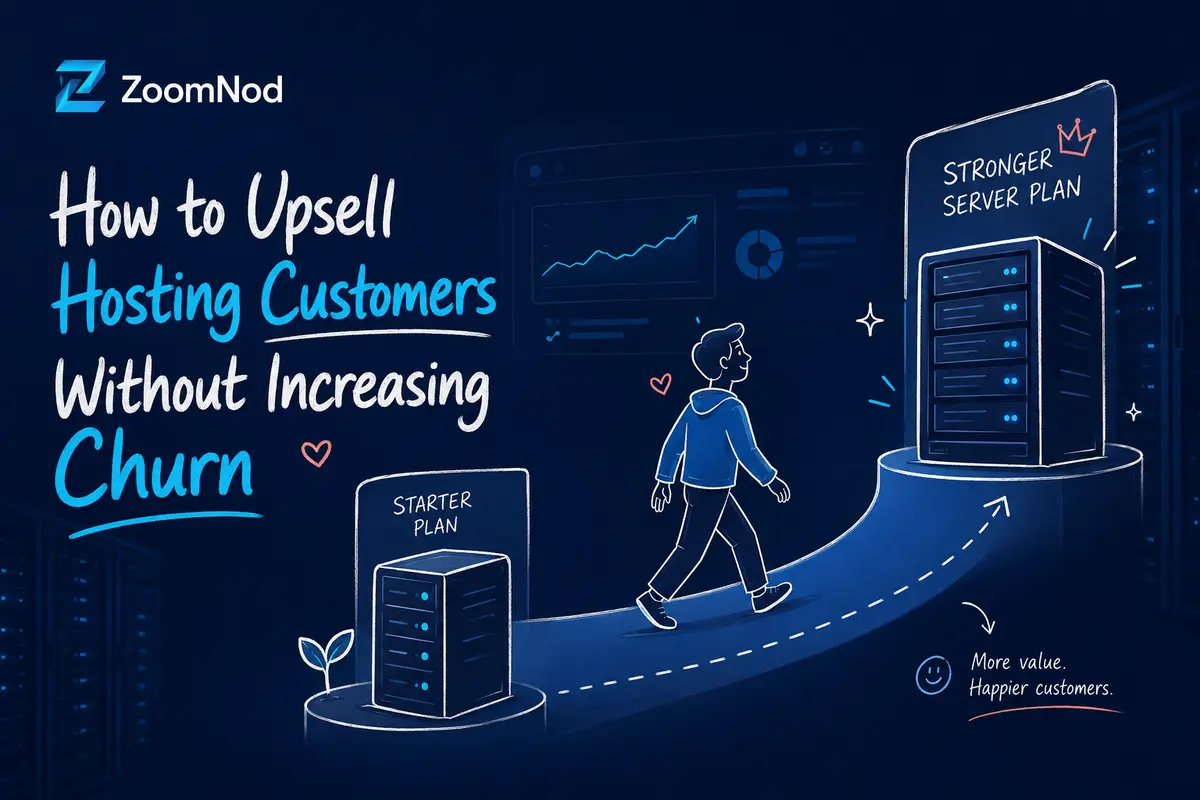
A hosting upsell moves a customer to a larger or more capable version of the current product.
The change can solve a real capacity or management problem, but a poorly timed upsell can increase churn.
Customers may regret an upgrade when the reason was unclear, pricing was incomplete, resources were oversized or an unresolved support issue was treated as a sales opportunity.
Responsible hosting upselling starts with diagnosis. Confirm the need, explain alternatives and show the billing and technical effect before the customer commits.
The process below helps increase account value without weakening customer trust.
An individual upgrade should fit a broader hosting customer expansion strategy based on customer needs, account readiness and transparent pricing.
Distinguish an upsell from a cross-sell
An upsell changes the core product to a higher tier. A cross-sell adds a complementary product.
The distinction affects eligibility, billing, provisioning and customer messaging.
Examples
| Type | Example |
|---|---|
| Upsell | Moving from a 4 GB VPS to an 8 GB VPS. |
| Cross-sell | Adding backup storage to the existing VPS. |
Diagnose before recommending
Resource pressure can result from growth, poor configuration, abusive traffic, a software problem or a short event.
Identify the cause before proposing a larger plan. An unnecessary upgrade may increase cost without correcting the problem.
Diagnostic questions
- Is the usage sustained or temporary?
- Which resource is constrained?
- Can configuration or cleanup solve the issue?
- Does the customer need managed administration?
- Will the upgrade require migration or downtime?
- Is a different product a better fit?
Set eligibility and suppression rules
Positive signals
- Sustained resource use
- Additional workloads
- Customer asks about limits
- Current plan is active and stable
- Billing history is healthy
- Technical review supports the change
Suppress when
- Critical support issue is unresolved
- Usage spike is unexplained
- Payment dispute is active
- Customer requested cancellation
- Migration is incomplete
- The account recently downgraded
Show alternatives
Customers should understand the reasonable alternatives before choosing a higher plan.
Options may include configuration changes, removal of unused data, a cross-sell, another architecture or a scheduled review after more data is collected.
Explain the full commercial effect
Show the new price, billing period, proration, renewal amount and any setup charge before confirmation.
For annual accounts, explain how unused value is credited and when the new term begins.
Related: conversion rate optimisation for hosting companies
Explain the technical change
State whether the change can be applied in place, requires a reboot, needs migration or changes management responsibility.
Do not describe an upgrade as instant when the product requires manual provisioning or maintenance.
Details
- New resources
- Provisioning time
- Expected interruption
- Migration responsibility
- Backup requirement
- Rollback option
- Support scope
Choose the right communication channel
Channels
| Channel | Use |
|---|---|
| Portal prompt | Simple, low-risk plan eligibility with clear comparison. |
| Lifecycle email | Education after sustained usage signals. |
| Support handoff | Technical need discovered after the support issue is resolved. |
| Account review | Managed, agency and high-value infrastructure. |
Related: email marketing for hosting companies
Monitor the customer after the upgrade
Confirm activation and check whether the original problem was resolved.
Use a follow-up to identify oversized plans, unresolved incidents and customers who need a different configuration.
Post-upgrade checks
- Provisioning completed
- Resources available
- Workload stable
- Billing correct
- Support issue resolved
- Customer understands the new plan
Measure churn risk after upsell
Metrics
- Eligible accounts
- Upsell conversion
- Incremental recurring revenue
- Gross margin
- Activation success
- Refund or reversal rate
- Downgrade rate
- Support contacts
- Churn after upsell
- Net revenue retention
Common mistakes
- Treating every resource alert as an upgrade opportunity
- Upselling during an unresolved incident
- Showing only the price difference
- Ignoring proration
- Failing to explain downtime
- Recommending a larger unmanaged plan when management is the problem
- Measuring the order without later churn
- Making downgrade difficult
Responsible upsell workflow
- Define eligible upgrade paths.
- Create diagnostic rules.
- Set suppression conditions.
- Show alternatives.
- Explain price and technical impact.
- Collect explicit confirmation.
- Provision and validate.
- Follow up on the original need.
- Measure downgrade and churn.
- Refine triggers by product.
How Zoomnod can support responsible upselling
Zoomnod can review segmentation, lifecycle communication, plan comparison, portal content and post-upgrade reporting.
The hosting company must confirm resource diagnosis and provisioning rules.
Book a free consultation with Zoomnod to review your hosting upsell journey and retention risks.
Frequently Asked Questions
How can hosting companies upsell without increasing churn?
Base the upsell on verified customer needs, clear alternatives, transparent billing, accurate technical details and post-upgrade follow-up.
When should an upsell be suppressed?
Suppress it during unresolved support, billing disputes, incomplete migration, cancellation intent or unexplained usage spikes.
What should a hosting upgrade offer include?
Include the reason, resources, price, proration, renewal amount, provisioning time, downtime and support scope.
Should support teams upsell customers?
Support teams may identify a need, but they should resolve or clearly diagnose the issue before making a commercial recommendation.
How should upsell quality be measured?
Measure activation, margin, reversal, downgrade, support demand, churn and net revenue retention.
Related Hosting Marketing Services
- digital marketing for hosting companies
- SEO for hosting companies
- Google Ads for hosting companies
- LinkedIn Ads for hosting companies
- lead generation for hosting companies
- content marketing for hosting companies
- affiliate marketing for hosting companies
- conversion rate optimisation for hosting companies
- email marketing for hosting companies
- social media marketing for hosting companies