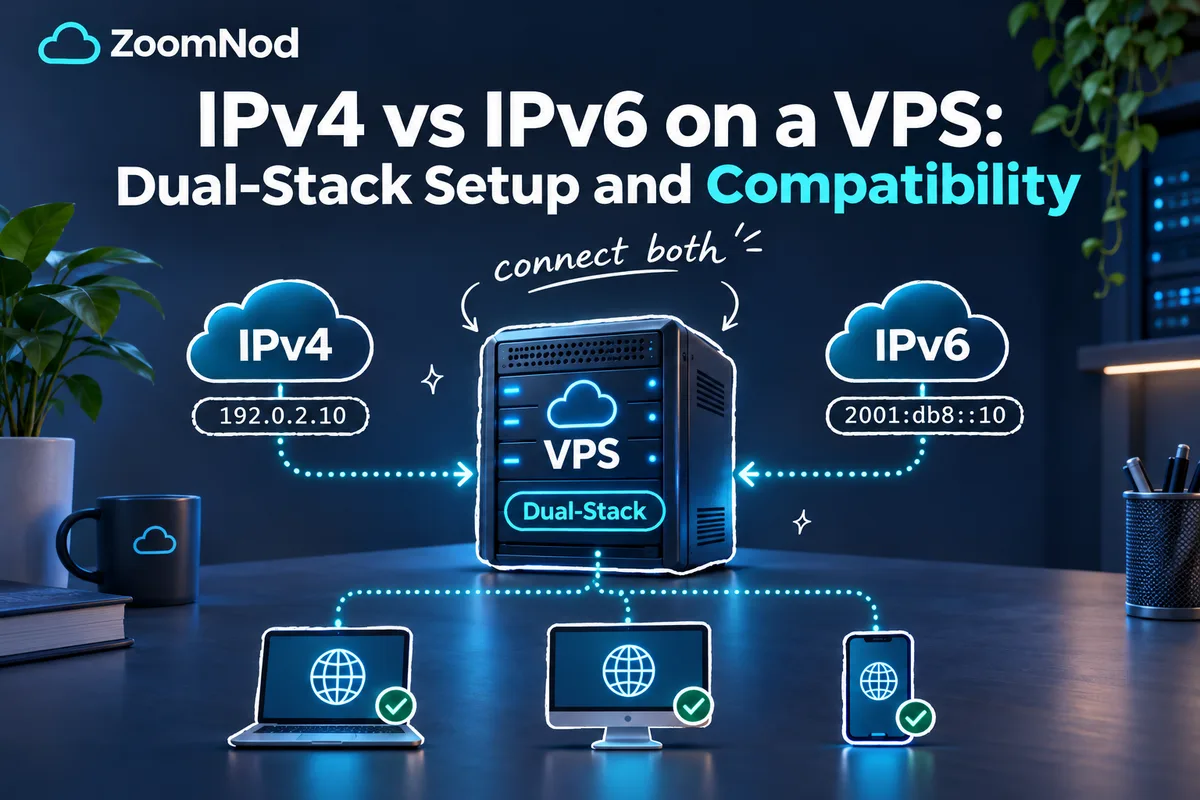
Most public websites still need to be reachable over IPv4. IPv6 is no longer experimental, and a large share of users can already use it, but plenty of networks, home routers and third-party APIs have not moved. On a VPS, the practical design in 2026 is usually dual-stack: the machine has both address families, and your services listen on both.
This guide is about that setup and about the compatibility traps, not about which protocol is “newer.” IPv4 space is still scarce, so some cheap plans are IPv6-only or charge extra for a public IPv4 address. That can be a fair trade for an internal service. It is a poor surprise for a site you expected the whole internet to open.
IPv4, IPv6 and dual-stack in plain terms
IPv4 addresses are the familiar dotted four-part numbers. IPv6 addresses are longer, written in hex, and abundant. Dual-stack means the VPS has a public IPv4 address and a public IPv6 address, and a client can use either. DNS then has both an A record (IPv4) and a AAAA record (IPv6) for the same name.
A modern client will often prefer IPv6 when a AAAA record exists, and fall back to IPv4 if IPv6 fails. That fallback is why a broken IPv6 path can look like a “slow site” rather than a clean error: the browser waits, then tries the other family. If you publish AAAA before the service is actually listening on IPv6, you have made the site worse for a lot of users, not more modern.
| Setup | What the VPS has | Typical use |
|---|---|---|
| IPv4 only | A public IPv4 address; IPv6 disabled or unused | Still works for most public sites; you miss IPv6-only visitors and some modern networks |
| Dual-stack | Public IPv4 and public IPv6, services listening on both | The usual goal for a public site or API |
| IPv6 only | No public IPv4, or IPv4 only via NAT64/a proxy | Fine for some internal tools; awkward when clients or APIs still need IPv4 |
When an IPv6-only plan is a problem
IPv6-only plans exist because IPv4 addresses cost the provider money. They can work well behind a dual-stack reverse proxy or a CDN that still speaks IPv4 to the visitor. They can also work for a lab, a tunnel, or a service that only IPv6 clients will use.
They fail in boring, practical ways. Some APIs, payment callbacks, package mirrors and mail paths still expect to connect to you, or to be reached by you, over IPv4. A visitor on an IPv4-only network cannot open your origin at all unless something in front of the VPS still has IPv4. If you are setting up WireGuard on the VPS, both ends have to share a family they can actually route. Do not buy an IPv6-only image for a public site unless you have already designed the IPv4 front door.
Set up dual-stack on a Linux VPS
First ask the provider whether IPv6 is enabled on the account and whether a prefix or a single address has been assigned. Many panels have an “enable IPv6” switch that also creates the routed prefix. If that is off, no amount of local configuration will give you a public address.
On the VPS, see what is already there:
ip -4 addr show
ip -6 addr show
ip -6 route show
curl -4 -sI https://www.cloudflare.com | head -n 1
curl -6 -sI https://www.cloudflare.com | head -n 1
A global IPv6 address is usually in 2000::/3, not a link-local fe80:: address. If you only have link-local, the route to the provider’s gateway is missing or IPv6 has not been delegated yet. On Ubuntu and other netplan images, the provider’s template often already requests DHCPv6 or a static address. Use the interface name you actually have (ip link will show it; it may be eth0, ens3 or something else). A typical static stanza looks like this, with your real addresses in place of the placeholders:
network:
  version: 2
  ethernets:
    eth0:
      addresses:
        - 192.0.2.10/24
        - 2001:db8::10/64
      routes:
        - to: default
          via: 192.0.2.1
        - to: default
          via: 2001:db8::1
      nameservers:
        addresses:
          - 1.1.1.1
          - 2606:4700:4700::1111
Apply with sudo netplan try rather than a blind restart, so a typo does not drop your SSH session with no way back. On Debian ifupdown images, the same idea lives in /etc/network/interfaces as an inet6 stanza. If you cannot reconnect after a change, the SSH connection refused guide and the provider’s serial or VNC console are the recovery path. The initial network work in the VPS setup guide is the right time to do this, before the site is live.
Check that IPv6 is not disabled in sysctl:
sysctl net.ipv6.conf.all.disable_ipv6
sysctl net.ipv6.conf.default.disable_ipv6
Both should be 0. If a hardening script set them to 1, IPv6 will stay silent no matter what the panel says.
DNS, firewall and services
Do not add a AAAA record until the service listens on IPv6 and the firewall allows it. Nginx, for example, only accepts IPv6 connections if you say so:
listen 80;
listen [::]:80;
listen 443 ssl;
listen [::]:443 ssl;
SSH, mail, reverse proxies and APIs have the same requirement. ss -tulpn should show :: or an explicit IPv6 address, not only 0.0.0.0. Then open the same ports for IPv6 that you already opened for IPv4. On UFW that usually means the existing rules already cover both families; on nftables or ip6tables you may have a separate IPv6 chain. The firewall section of the VPS security guide applies to both. Test the port from outside, not only from the box, with the same approach as in the port ping guide.
When the service answers on IPv6, add the AAAA record beside the existing A record, keep the TTL modest while you test, and wait for resolvers to pick it up. For a website, HTTPS certificates need to be reachable on that name over both families if clients will use both. The Linux VPS website guide covers the HTTP side; just remember that “it works on IPv4” is only half of a dual-stack check.
Test before you trust it
From another machine that has IPv6:
curl -4 -sI https://example.com
curl -6 -sI https://example.com
dig +short A example.com
dig +short AAAA example.com
Both curls should return a normal HTTP response, not a timeout. If IPv4 works and IPv6 hangs, remove or hold the AAAA record until you find the listener or the firewall rule. If you only have IPv4 at your desk, use the provider’s IPv6 test, a second VPS, or a public IPv6 testing tool, and treat a failure as a real bug, not as “probably fine.”
Mail, outbound APIs and package updates deserve their own check. A host can receive IPv6 visitors and still fail when it tries to reach an IPv4-only endpoint, or the other way around. Look at the source address in the logs when something fails; it is often the family you did not test.
Frequently asked questions
Should I turn IPv4 off once IPv6 works?
Not for a public site, not in 2026. Too many networks and tools are still IPv4-only. Keep dual-stack until you have a deliberate IPv4 front door, such as a dual-stack proxy, and you have tested the clients you actually have.
Why is the site slow only for some users after I added AAAA?
Their path to your IPv6 address is broken or filtered, and the fallback to IPv4 takes time. Fix the IPv6 listener and firewall, or remove the AAAA record until that path is clean.
Does a firewall on IPv4 also protect IPv6?
Not necessarily. Some tools maintain one policy for both families. Others need an explicit IPv6 policy. If you only wrote ip6tables rules, or only wrote iptables rules, one family may be wide open. Check both.
My provider gave me a whole IPv6 prefix. Do I need all of it?
No. A single address on the lo or the public interface is enough for one service. A prefix is useful when you want several addresses or to route a block to containers or virtual machines. Do not announce addresses you are not using.
Can I run a public site on IPv6-only if I use a CDN?
Often, if the CDN accepts IPv6 origins and still presents IPv4 to visitors. Confirm origin health checks, certificate issuance, and any webhook that must connect straight to the VPS. If any of those still need a public IPv4 destination, keep one or put a dual-stack proxy in front.