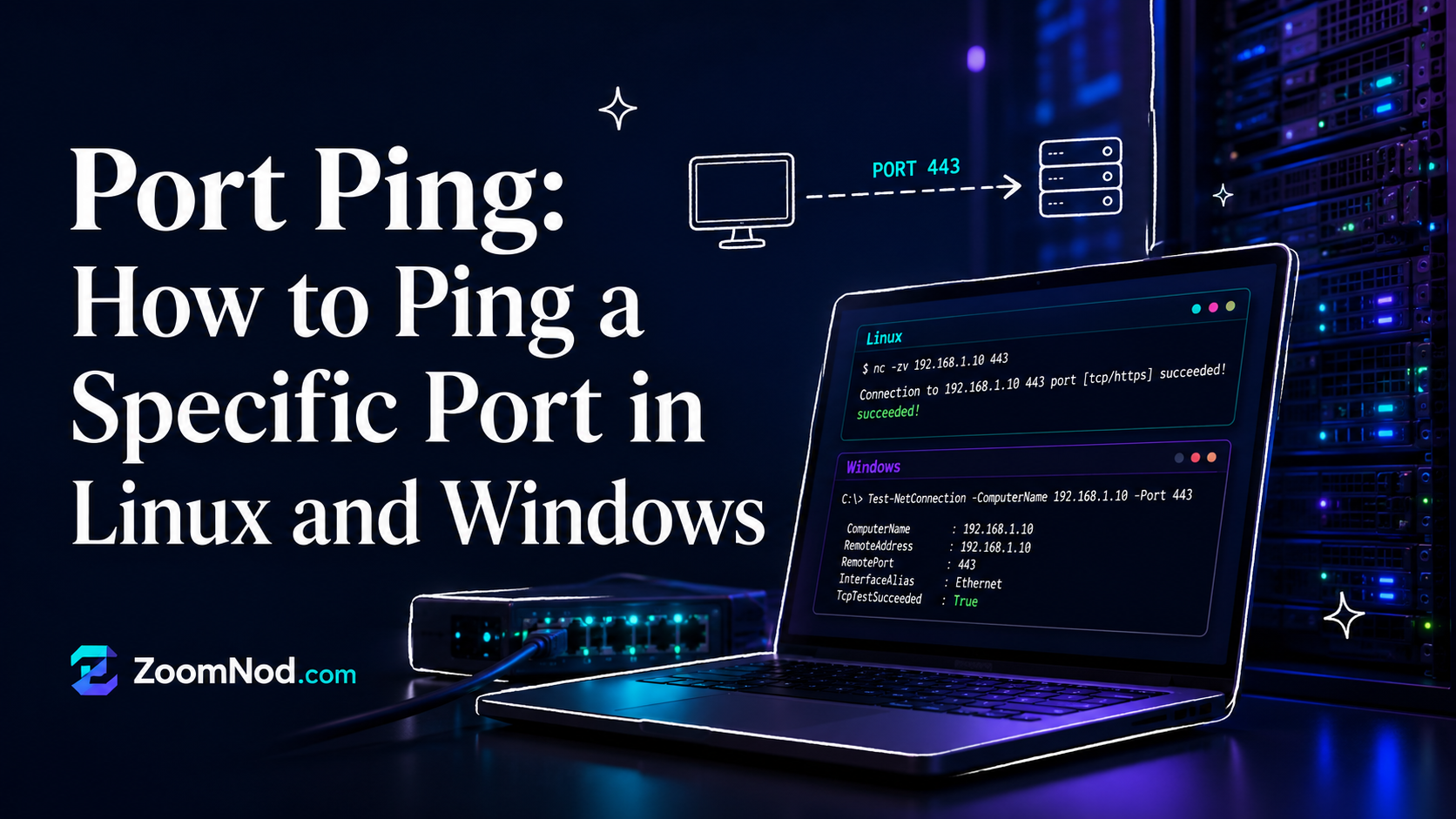
Port ping is a common phrase, but technically classic ping does not test a TCP or UDP port. Standard ping uses ICMP to check whether a host responds. A port test checks whether a specific service is reachable on a specific port, such as 22 for SSH, 80 for HTTP, 443 for HTTPS, or 25565 for a Minecraft server.
Can You Ping a Port?
Not with the standard ping command. It tests host reachability with ICMP. To test a port, use tools such as Nmap, Netcat, Telnet, PowerShell Test-NetConnection, curl, or nc.
Ping a Port in Windows with PowerShell
Test-NetConnection example.com -Port 443This checks whether TCP port 443 is reachable.
Ping a Port in Linux with Netcat
nc -vz example.com 443Netcat provides a quick way to check whether a port is open.
Ping a Port with Nmap
nmap -p 443 example.comNmap can scan one port or many ports and show whether they are open, closed, or filtered.
Ping a Port with Telnet
telnet example.com 443Telnet can test a TCP connection, but it may not be installed by default.
Ping a Port with curl
curl -v https://example.comcurl tests web services over HTTP and HTTPS.
Common Port Numbers
| Port | Service |
|---|---|
| 22 | SSH |
| 80 | HTTP |
| 443 | HTTPS |
| 3306 | MySQL |
| 5432 | PostgreSQL |
| 25565 | Minecraft |
Why a Port Test May Fail
- The service is not running.
- The firewall blocks the port.
- The port is only listening locally.
- The provider blocks the port.
- DNS points to the wrong server.
- The server is offline.
Conclusion
Classic ping cannot test a port. To check whether a specific port is reachable, use PowerShell, Netcat, Nmap, Telnet, or curl depending on your operating system and the service you are testing.
FAQs
Can ping test a port?
No. Standard ping uses ICMP and does not test TCP or UDP ports.
How do I ping a port in Windows?
Use PowerShell: Test-NetConnection example.com -Port 443.
How do I ping a port in Linux?
Use Netcat: nc -vz example.com 443 or Nmap: nmap -p 443 example.com.
Latest Hosting Guides
VPS Hosting for Kubernetes: Complete Guide for 2026
Read guideVPS Hosting for Docker Containers: Complete Guide for 2026
Read guideVPS Hosting for Redis: Complete Guide for 2026
Read guideVPS Hosting for Elasticsearch: Complete Guide for 2026
Read guideHow to Host a Discord Bot on a VPS in 2026: Complete Step-by-Step Guide
Read guideSwipe or scroll to explore more guides
Port ping is a useful phrase, but the troubleshooting method should distinguish ICMP reachability from testing a TCP or UDP service. On Linux, tools such as nc, curl, telnet, ss, and nmap can test different situations, while Windows includes Test-NetConnection and PowerShell networking commands. I would explain how to interpret connection refused, timeout, DNS failure, and successful TCP connection, then check whether the service is listening, the local firewall allows the port, the provider firewall is open, and network address translation is correct. Testing from both inside and outside the server can isolate the problem.
UDP port testing is less straightforward than TCP because many UDP services do not send a response to an empty probe. A timeout does not always prove that the UDP port is closed.
A successful TCP port connection shows that something is accepting connections, but it does not confirm that the application is healthy. An HTTP request, protocol-specific command, or application health check provides stronger verification.