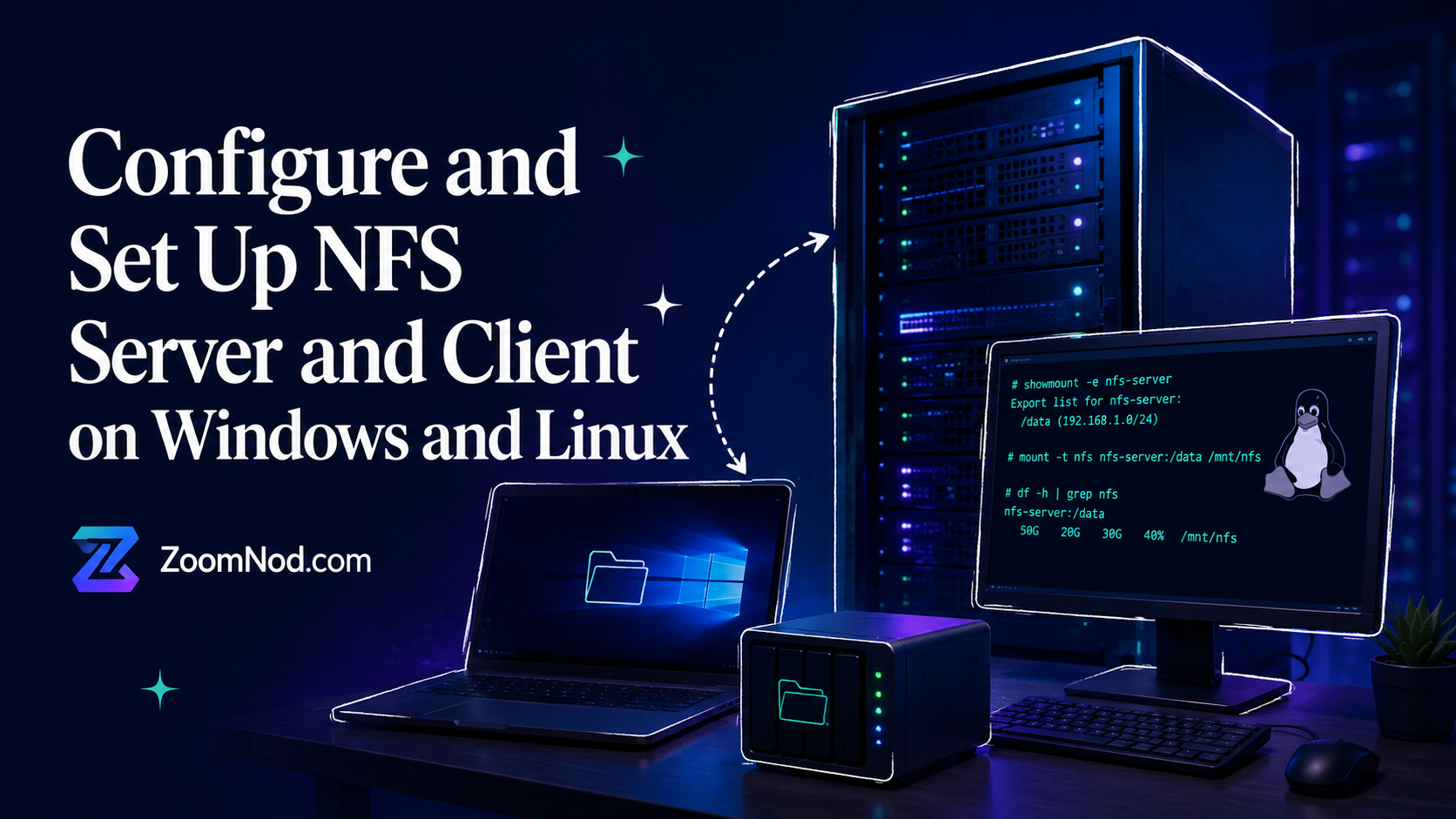
An NFS server lets multiple machines access shared files over a network. NFS is commonly used for Linux servers, development environments, backup storage, web clusters, media workloads, internal file sharing, and mixed Windows/Linux infrastructure.
What Is NFS?
NFS stands for Network File System. A client machine can mount a remote directory and use it like a local folder. Several servers or workstations can then access the same files.
Common NFS Use Cases
- Shared storage between Linux servers.
- Development environments.
- Backup targets.
- Media libraries.
- Web server clusters.
- Mixed Windows and Linux access.
NFS Port
The main NFS port is 2049. Firewall rules must allow the required NFS traffic between clients and the server.
Install NFS Server on Linux
sudo apt update
sudo apt install nfs-kernel-server
Create a Shared Directory
sudo mkdir -p /srv/nfs/share
sudo chown nobody:nogroup /srv/nfs/share
Configure Exports
Edit /etc/exports and add a share rule:
/srv/nfs/share 192.168.1.0/24(rw,sync,no_subtree_check)Apply the Export
sudo exportfs -a
sudo systemctl restart nfs-kernel-server
Mount NFS on a Linux Client
sudo apt install nfs-common
sudo mkdir -p /mnt/share
sudo mount server-ip:/srv/nfs/share /mnt/share
Use NFS on Windows
Windows can access NFS after the NFS client feature is enabled. You can enable it through Windows Features or PowerShell, then mount the NFS share.
NFS Security Tips
- Restrict access by IP or subnet.
- Use firewall rules.
- Avoid exposing NFS to the public internet.
- Use least privilege permissions.
- Monitor mounted shares and access logs.
Conclusion
NFS provides shared file access across Linux and mixed infrastructure. Configure exports carefully, restrict access, open only required ports, and test client mounts before using NFS in production.
FAQs
What is an NFS server?
An NFS server shares directories over a network so client machines can mount and access them.
What port does NFS use?
NFS commonly uses port 2049.
Can Windows connect to an NFS server?
Yes, Windows can connect to NFS shares when the NFS client feature is enabled.
Latest Hosting Guides
VPS Hosting for Kubernetes: Complete Guide for 2026
Read guideVPS Hosting for Docker Containers: Complete Guide for 2026
Read guideVPS Hosting for Redis: Complete Guide for 2026
Read guideVPS Hosting for Elasticsearch: Complete Guide for 2026
Read guideHow to Host a Discord Bot on a VPS in 2026: Complete Step-by-Step Guide
Read guideSwipe or scroll to explore more guides